
Features / Picker links
Let anyone pick from their phone, no Shopify login
Share a link to one batch. Seasonal and temp staff open it on their own phone, scan with the camera, and you watch progress live.
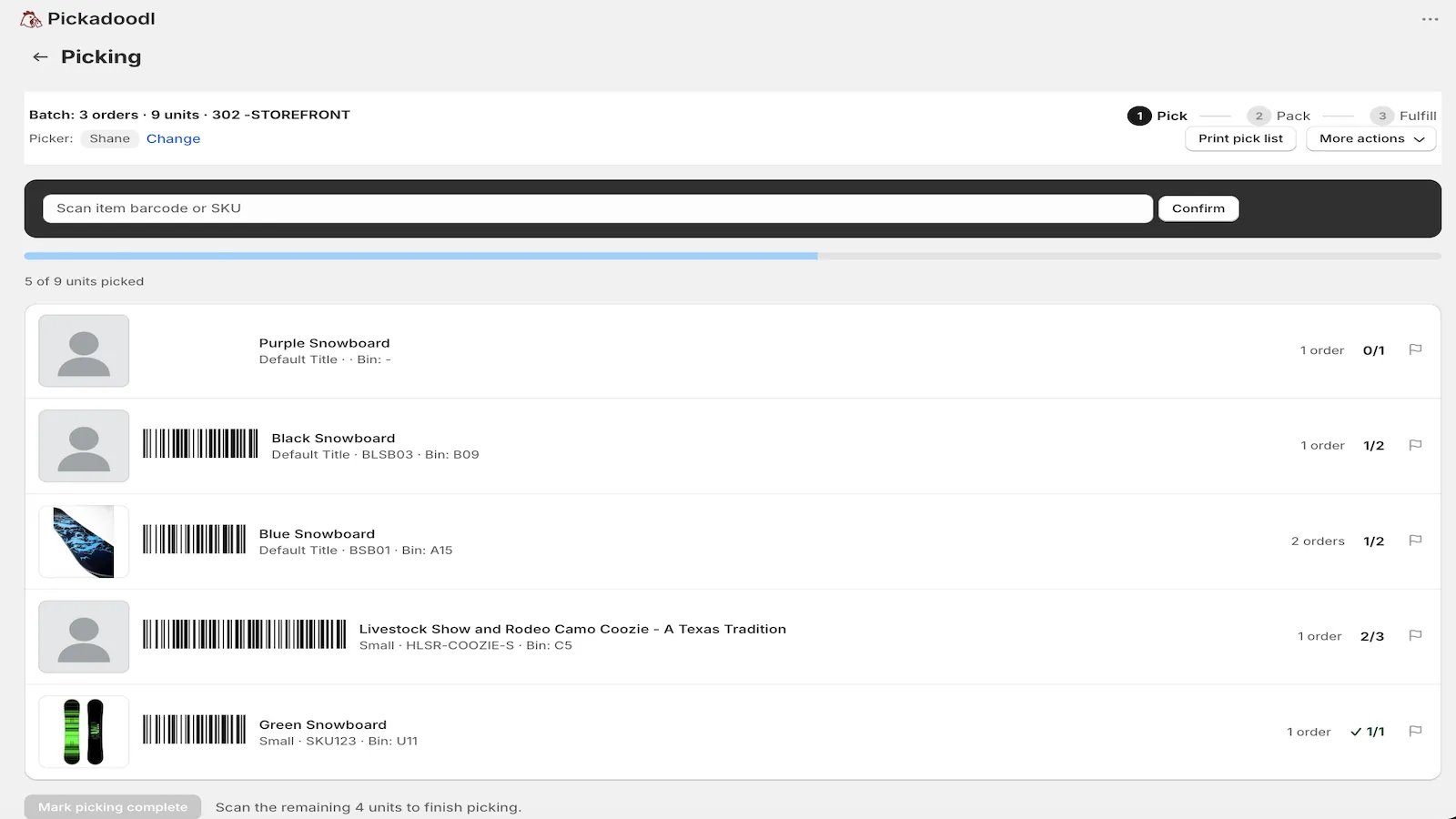
Why a link instead of a staff account
Adding every seasonal helper as Shopify staff is slow, and it gives them access they don't need. A picker link opens one batch and nothing else. It works in any phone or tablet browser without a Shopify account.
How it works
- Open a batch and choose Share picker link.
- Set when it expires: 24 hours, 3, 7 or 30 days, or open-ended. Turn it off any time.
- Send it however you like. The picker opens it, picks their name and starts scanning with the phone camera.
You still know who picked what
Pickers choose their name from your team list, with an optional PIN for shared tablets. Reports show who picked each batch. A picker can also claim an unowned batch from the link, so the work board shows who's on it.
Questions
Does the picker need a Shopify account?
No. The link opens one batch in a normal browser. Nothing else in your store is visible.
Can I turn a link off?
Yes. Links expire on the schedule you set, and you can turn one off at any time.
Does camera scanning work from the link?
Yes. Camera scanning works in a phone browser tab. That's the recommended way to scan with a camera, since browsers block the camera inside Shopify admin.

Try it on your own orders.
Free up to 75 orders a month, with every feature. If anything trips you up, email me. I read every message.
Install free on Shopify